

Latest Version
Cloudland Studios Pty Ltd
Security
Mac
$1.99
1565923456
Report a Problem
More About OneWord Password Manager
An Elegant Approach to Personal Cybersecurity
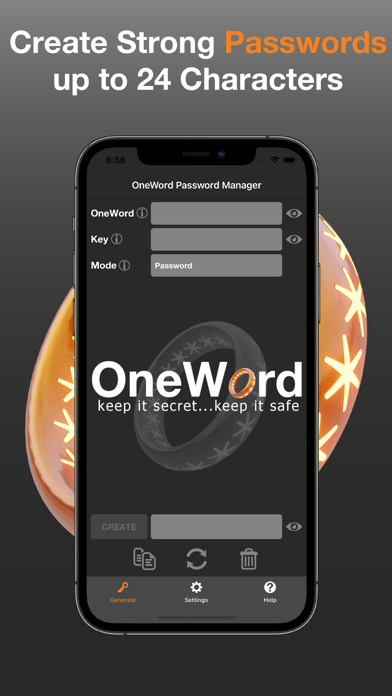
The OneWord Password Manager security tool offers a refreshing alternative to the increasingly complex world of credential management. Developed by Cloudland Studios Pty Ltd, this utility is built around a singular, powerful philosophy: keeping your digital identity secure should not require complex cloud setups, recurring monthly fees, or invasive data tracking. By focusing on local-first security, it changes how you interact with your daily logins on your Mac.
Key Features of the OneWord Password Manager Security Tool
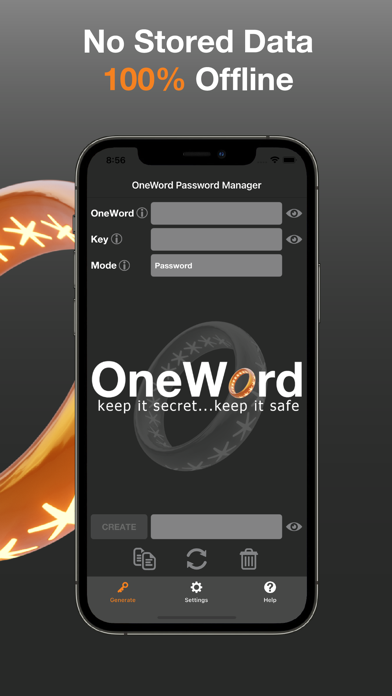
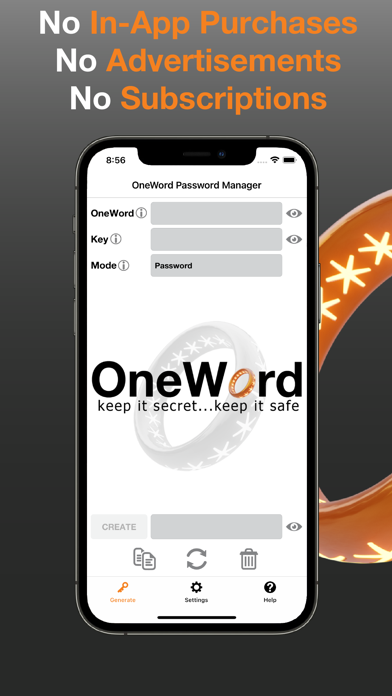
- Zero Data Storage: The application does not store your sensitive credentials on external servers, drastically reducing your exposure to online database breaches.
- No Subscriptions or Hidden Fees: Unlike competitors that lock essential features behind paywalls, this tool requires no ongoing subscriptions or in-app purchases.
- Ad-Free Experience: Enjoy a clean, distraction-free interface designed purely for utility and speed, without intrusive advertisements.
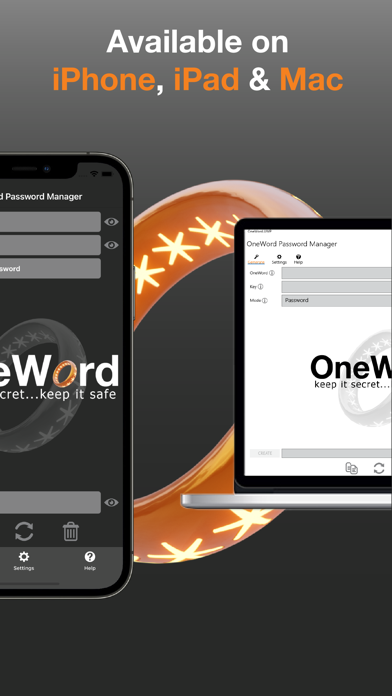
- Cross-Platform Availability: Designed to fit into your ecosystem, the tool supports both mobile and desktop environments.
How It Protects Your Digital Life
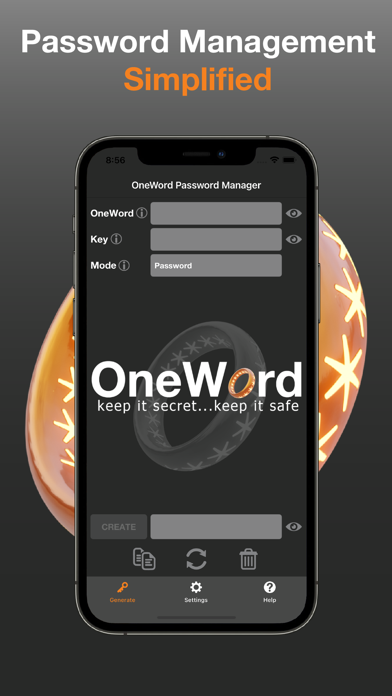
Most modern security applications force users into a relationship with cloud servers, exposing them to potential third-party vulnerabilities. The OneWord Password Manager security tool bypasses this risk entirely. It provides a highly simplified framework to generate and organize complex keys locally. Because your data remains firmly under your control, you can navigate your digital workflow with complete peace of mind, knowing your access details aren't sitting on someone else's server.
Who Is This Security Tool For?
This software is ideal for privacy-conscious users who are tired of subscription fatigue and want straightforward control over their credentials. If you prefer offline safety over complex cloud-sync features, or if you simply want a lightweight, reliable generator and organizer for your Mac, this application fits the bill perfectly. It strips away the unnecessary bloat of modern password suites to deliver a streamlined, highly functional experience.
Get Started Securely
If you are ready to simplify your digital security without committing to recurring monthly fees, this utility is well worth your consideration. To explore its features further and add it to your device, head over to the official App Store page to learn more about how it can protect your daily workflow.
Rate the App
User Reviews
Other Apps in This Category



Popular Apps










Editor's Choice