

Latest Version
KeePassium Labs
Security
Mac
Free
1435127111
Report a Problem
More About KeePassium (KeePass passwords)
An Intuitive, Offline-First Approach to Credential Security
Managing passwords securely often feels like a compromise between convenience and privacy. KeePassium (KeePass passwords) bridges this gap beautifully for Apple users. From the moment you launch the application, it becomes clear that this is not your typical cloud-dependent password vault. Instead, it places complete control back into your hands, operating offline by default and leveraging the highly respected, open-source KeePass database format.
Whether you are an IT professional managing complex server credentials or a privacy enthusiast looking to escape proprietary ecosystems, KeePassium offers a transparent, independently audited environment to safeguard your digital life.
Key Features of KeePassium (KeePass passwords)
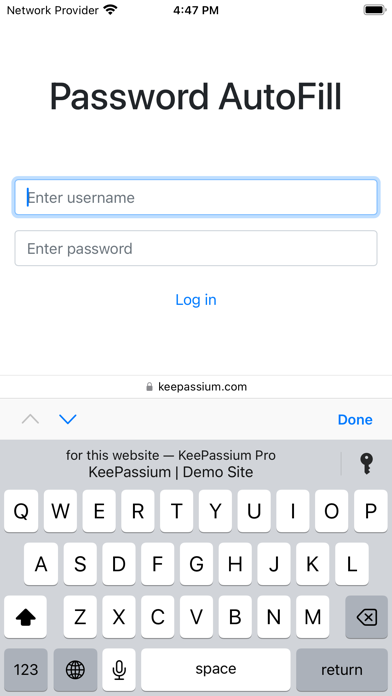
The application stands out by focusing on robust local security while offering modern, seamless integration with macOS and iOS. Here is a breakdown of what makes it a premier security tool:
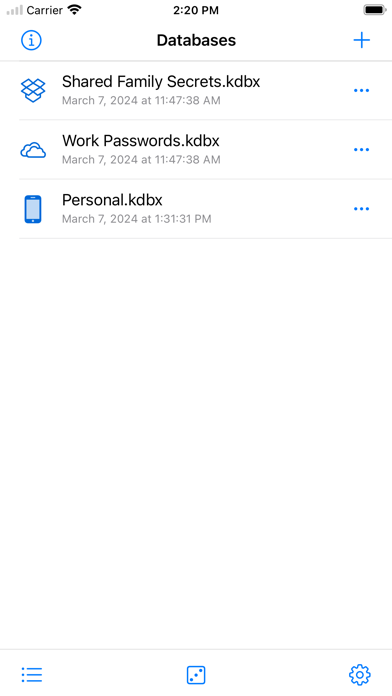
- Offline Sovereignty: Your database stays on your device. There are no centralized vendor servers to be breached, ensuring your vault is accessible only to you.
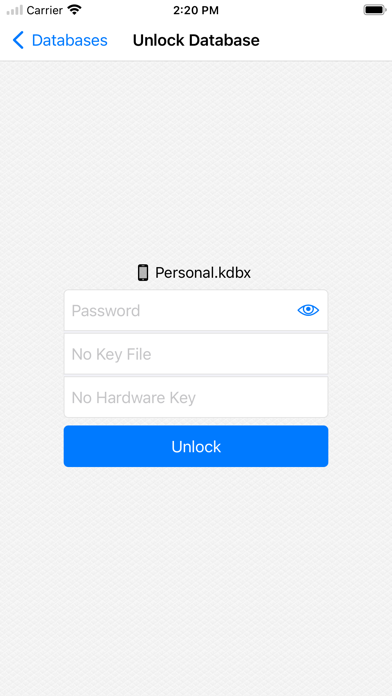
- Biometric Protection: Quickly unlock your credentials using Face ID or Touch ID, eliminating the need to type complex master keys repeatedly.
- Universal Compatibility: Fully compatible with KeePass and KeePassXC database formats, allowing you to sync and share files easily across different platforms.
- Flexible Sync Options: While offline by default, you can choose to sync your database via your own preferred cloud provider or private server.
- Advanced Hardware Security: Premium users can leverage physical YubiKey protection and automated password leak audits for maximum defense.
Who Is This Password Manager For?
KeePassium (KeePass passwords) is tailored specifically for those who reject the "vendor lock-in" model of mainstream password managers. Because KeePassium collects zero personal data and contains no trackers or advertisements, it is the ideal choice for security-conscious users who demand verifiable privacy. The inclusion of accessibility features like VoiceOver and dynamic text sizes also ensures that this high-level security remains usable for everyone.
Is KeePassium the Right Choice for You?
If you value open-source transparency, independent code audits, and local data ownership, this application is highly recommended. It successfully modernizes the classic KeePass experience without compromising on security. To explore its features and integrate it into your security workflow, visit the official App Store page to get started.
Rate the App
User Reviews



Popular Apps










Editor's Choice