

Latest Version
Biyee SciTech Inc.
Design
Windows
Free
9wzdncrdxxx2
Report a Problem
More About GIF Viewer
A Dedicated Control Center for Animated Images
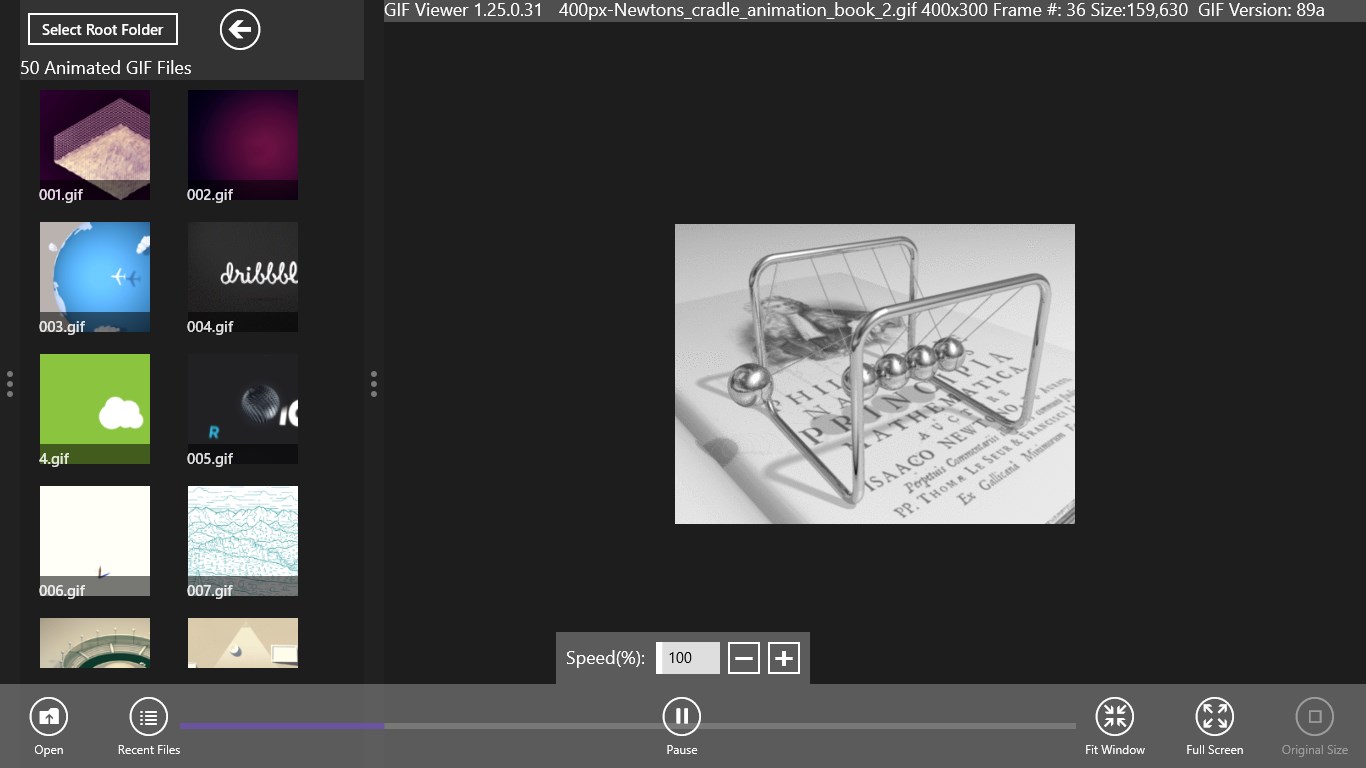
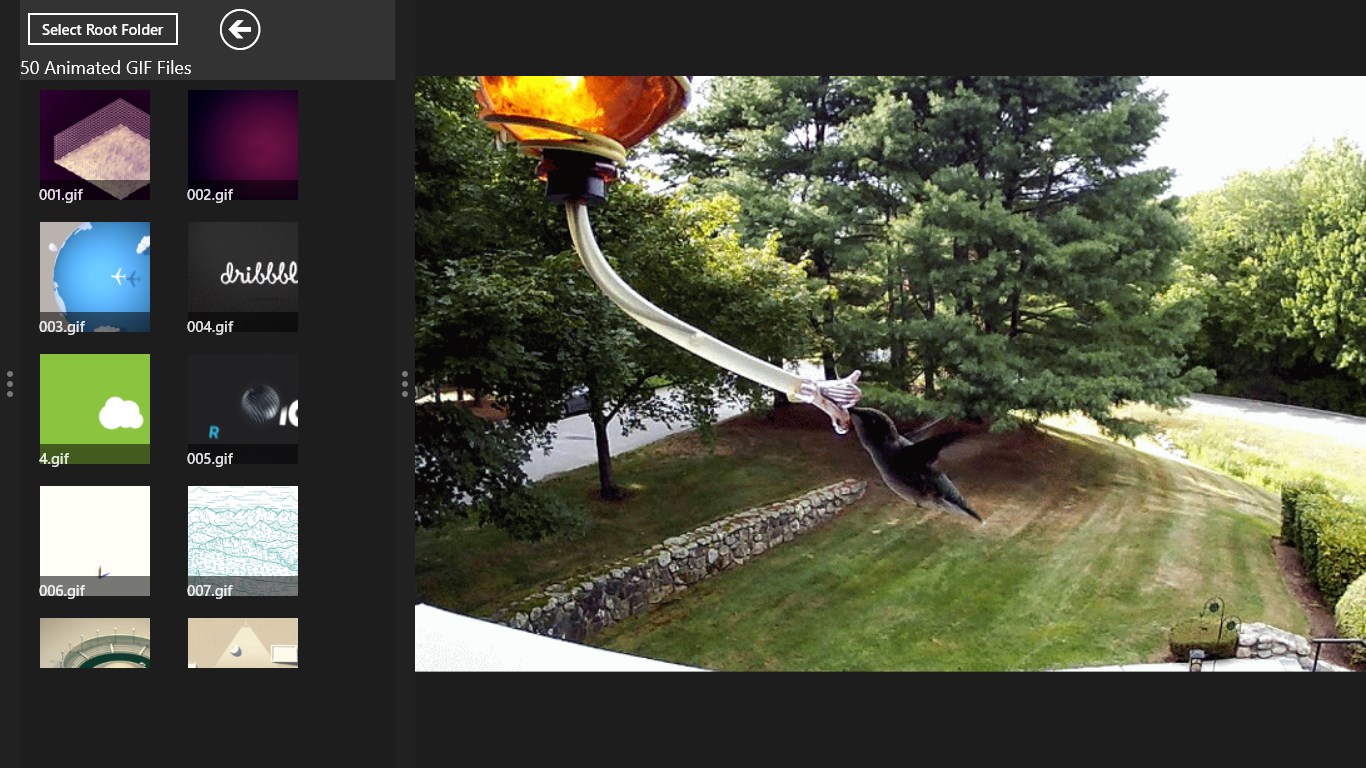
The GIF Viewer Windows app reimagines how you interact with animated Graphics Interchange Format files on your PC. Instead of relying on web browsers or basic image viewers that offer no playback control, this utility treats your animations like actual video files. Developed by Biyee SciTech Inc., it bridges the gap between static image viewing and video playback, giving you full command over your media assets.
Practical Ways to Use the App
Whether you are a designer analyzing frame-by-frame animations or a casual user organizing a meme collection, this tool adapts to your workflow. Here is what you can actually achieve with it:
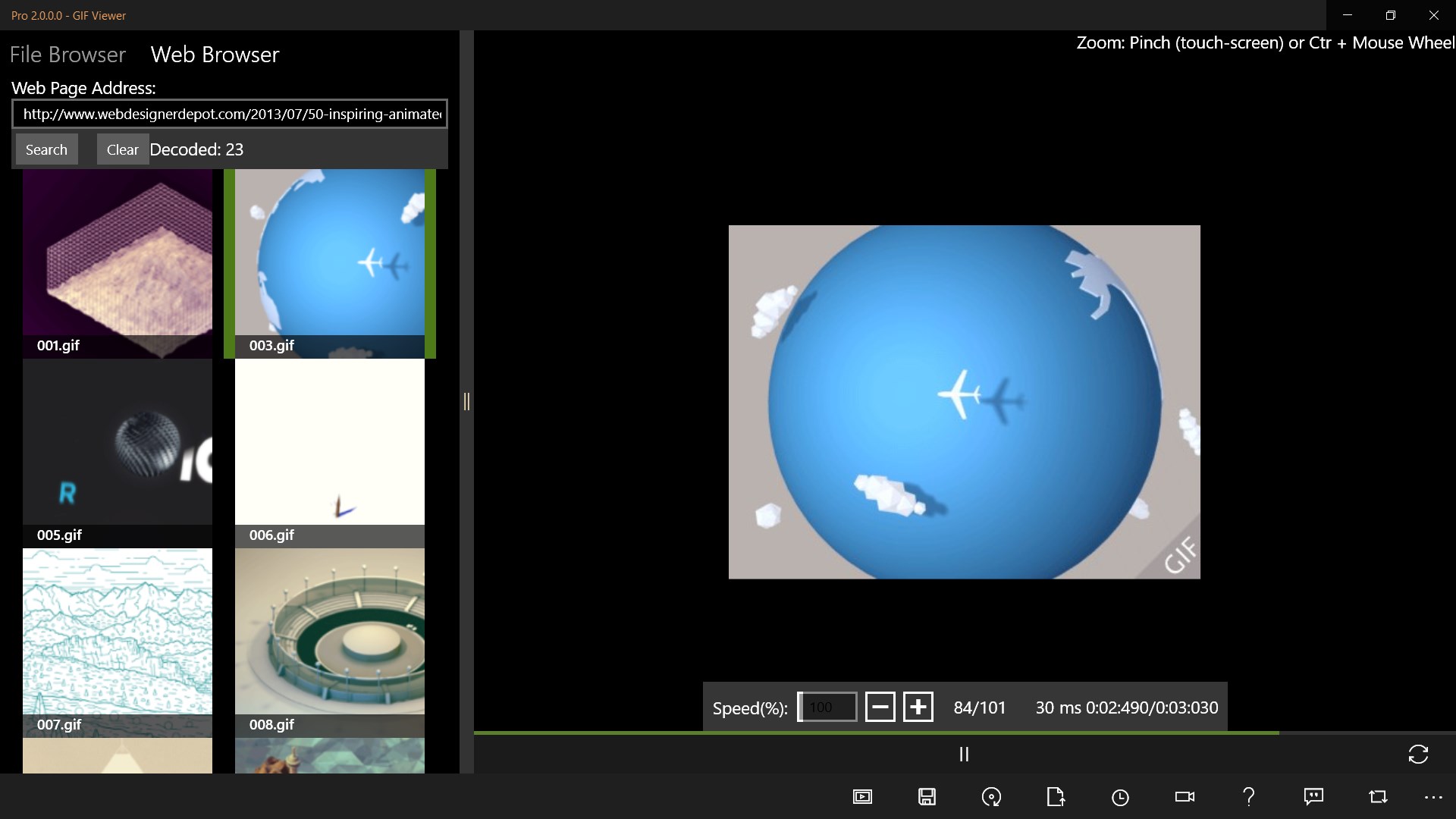
- Control Playback Like a Movie: You can play, pause, and zoom in on details. The Pro version unlocks single-step forwarding or backward motion, which is incredibly useful for studying specific transitions.
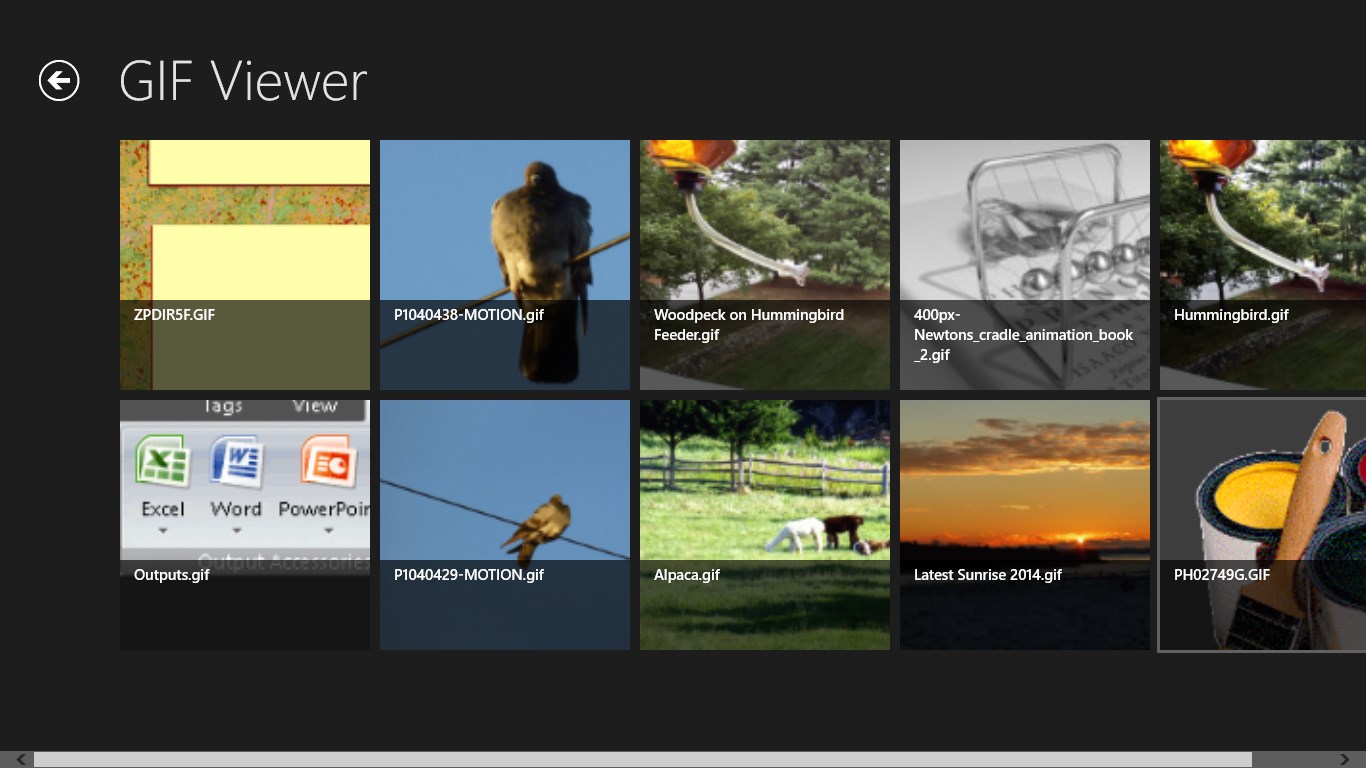
- Set as System Default: You can configure the software as your default handler for .gif files, allowing you to launch animations directly from the Windows File Browser.
- Batch Download Web Assets: Extract and download all GIFs hosted on a specific web page quickly.
- Export and Save Frames (Pro): Save individual frames, extract the current paused frame, or export the entire animation with modified playback speeds.
- Hands-Free Slideshows (Pro): Loop through an entire folder of files indefinitely with optional shuffle settings, making it an excellent choice for a customized digital screen saver.
Key Technical Considerations
It is important to emphasize that this software is strictly a viewer and not an editor. It renders files according to their internal metadata, such as frame delays. If you encounter older files that do not display as expected, it may be due to legacy timing configurations designed for outdated web browsers rather than a limitation of the application itself. The developer has verified performance across dozens of highly complex animations to ensure accurate rendering standards.
Is It Right for You?
If you need a reliable, lightweight design tool to view, analyze, and manage animated image sequences on your Windows desktop, this utility delivers excellent utility. To explore its features firsthand, head over to the official Microsoft Store to install the version that fits your needs.
Rate the App
User Reviews






Popular Apps








Editor's Choice